Make short-form videos worth watching, then publish to TikTok.
Script, generate, edit and schedule 9:16 videos in one place: AI characters, voiceovers and chat skits, then post straight to your account.
€99/month · everything included · cancel anytime


Post to TikTok today. Instagram Reels & YouTube Shorts coming soon
Replace your whole stack
A generator, an editor and a scheduler in one tab. No exporting between five different tools.
Stay on-brand
Reusable characters and a searchable library keep every video unmistakably yours.
Publish on autopilot
Plan a week, post directly or to drafts, and never miss a slot again.
See what you can make
One studio, every kind of short
Talking-head explainers, iMessage skits, product demos, voiceover shorts, all 9:16, all rendered for you.
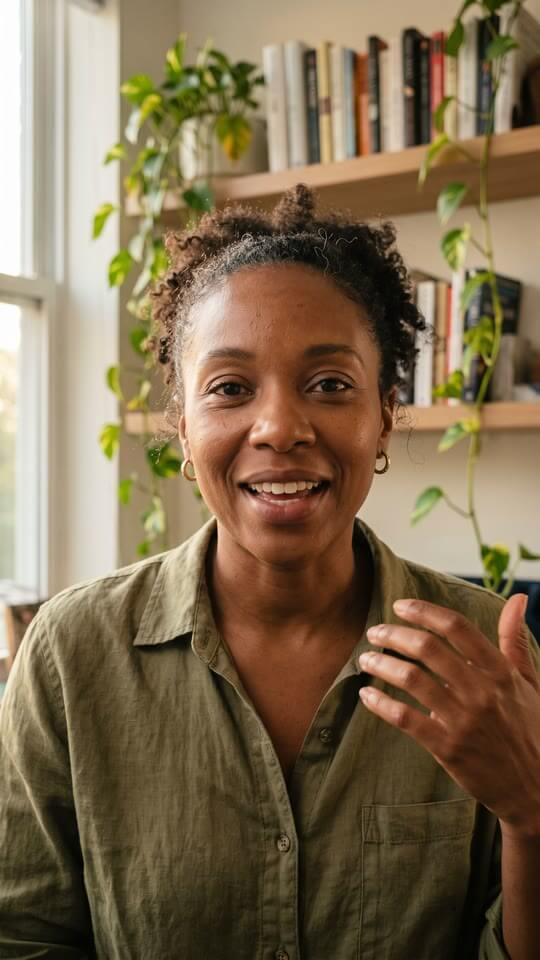 Character
Character explainer
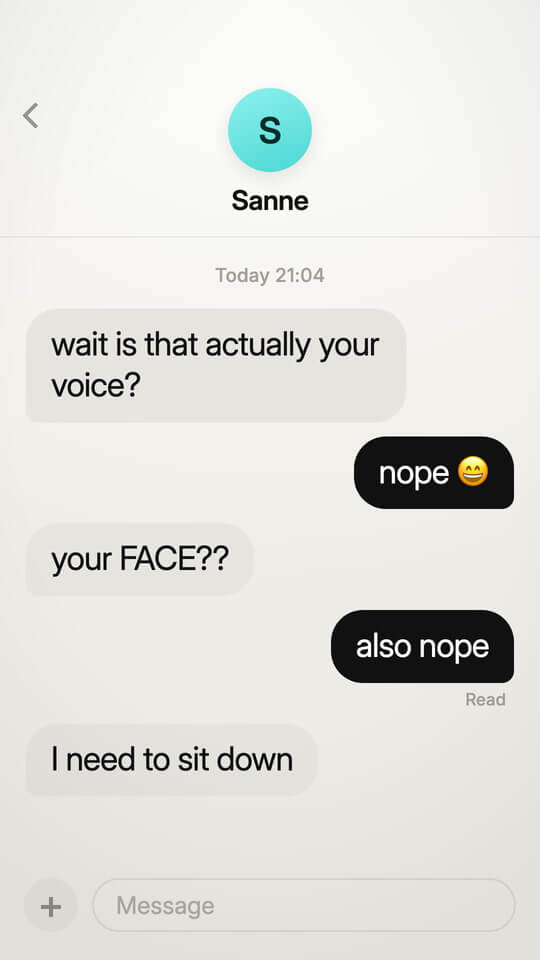 Mockly
iMessage skit
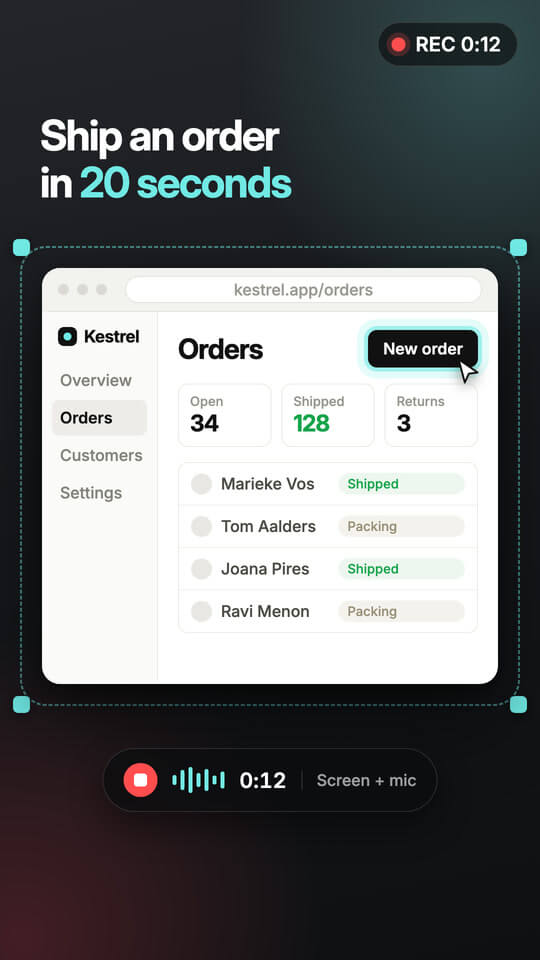 CaptureBeam
Product walkthrough
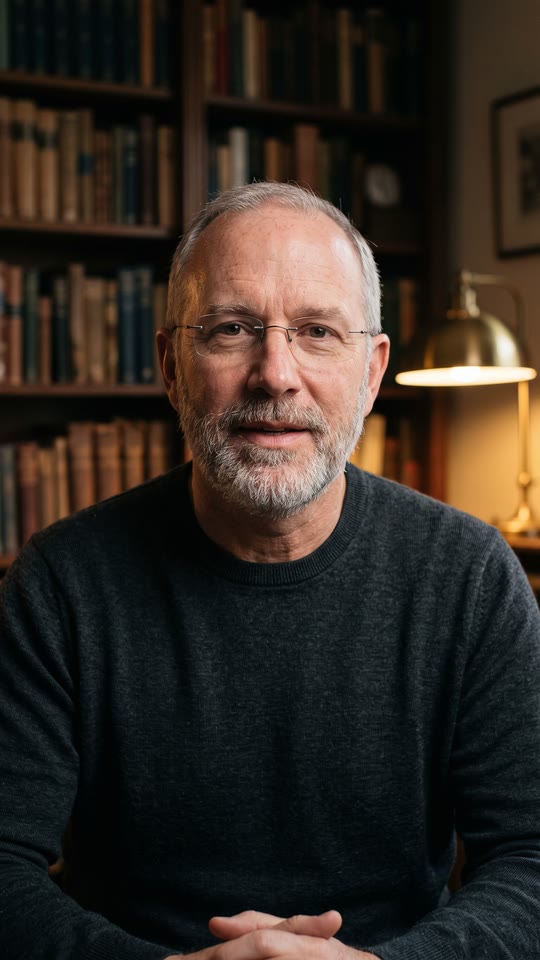 Voiceover
Talking-head short
How it works
From prompt to posted, step by step
No timeline of tabs, no exporting between apps. Everything from the first prompt to the finished 9:16 lives in one studio.
Describe your character, get a face you can reuse
Type a prompt for look, vibe and wardrobe, and Mockly generates a consistent character you'll reuse across every video.
 Your character
Drop them into the right setting
Choose a scene like a TV set, a cosy couch or a studio, and the start frame is generated to match. Skip it and your character stands on a clean backdrop.
 TV interview
 On the couch
 Studio set
 City street
 Kitchen
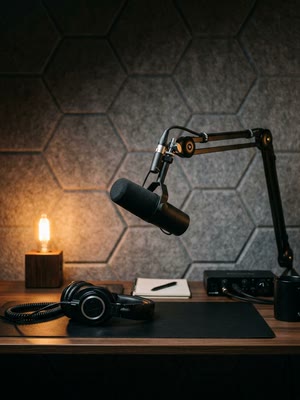 Podcast
Put your product in their hands
Add a product shot and your character holds it naturally in frame, made for demos and launches.
 Your character
Turn it into a talking video
Give your character a script and Mockly generates a lip-synced clip, ready to drop onto the timeline.
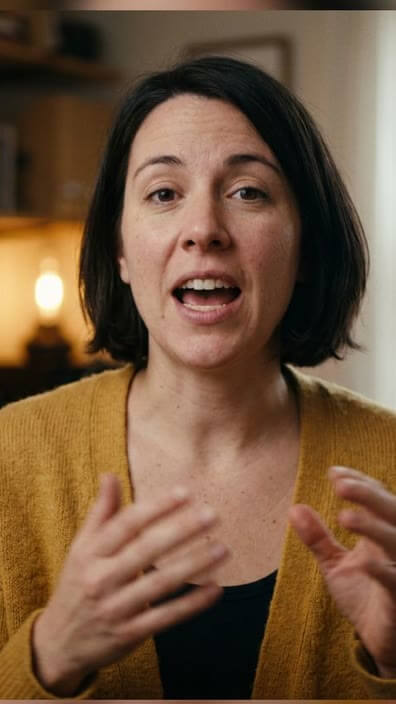 Your clip
Find the perfect track in seconds
Search royalty-free music, preview the results, and click to drop a track onto your timeline.
Arrange everything on the timeline
Stack your clips, trim from either edge, and drop in word-timed subtitles until the cut feels right.
Export a clean 9:16 and post it
Mockly renders your finished vertical video, then you schedule it or post straight to TikTok, Instagram and YouTube.
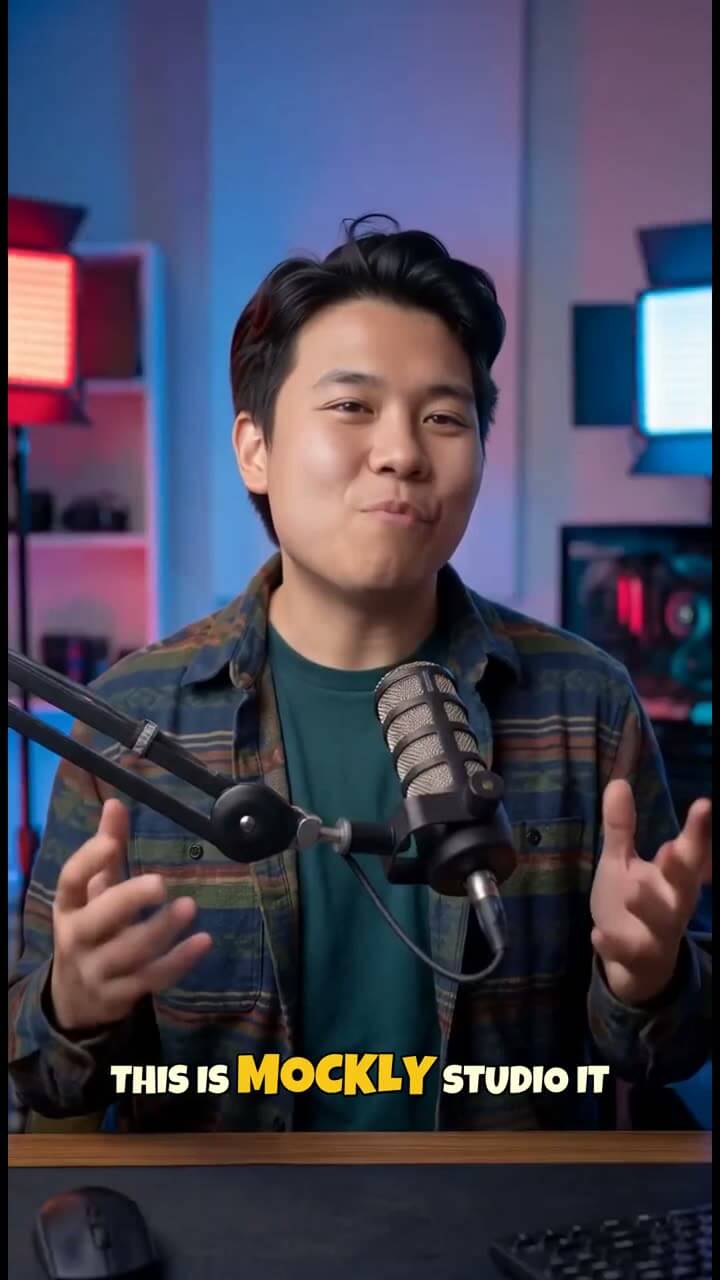 9:16
9:16Everything you need
A whole content team, in one studio
Generate the footage, craft the edit, and ship it on a schedule, without ever leaving Mockly.
Timeline editor
Cut it together on a timeline built for vertical
Stack character clips, voiceovers, Mockly chats and screen demos. Trim from either edge, drop in word-timed subtitles, and fit a soundtrack to the cut, then render a clean 9:16 video.
- Drag to arrange & trim
- Subtitle track you can restyle
- Live preview before you render
AI characters
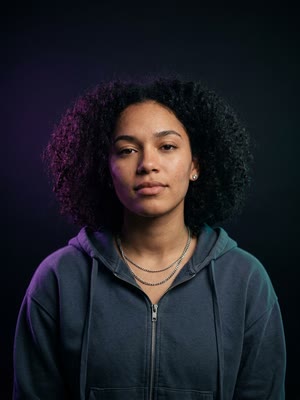
Reusable characters with a consistent face & voice
Design a character once for appearance, persona and voice, and reuse it across every video. Generate talking-head clips that stay on-model, clip after clip.
- Consistent identity across clips
- Per-character voice
- Write or auto-generate the script

Hans

Coach Leo
Nova
Mockly chats
Fake-text skits that stop the scroll
Describe a scenario and Mockly writes a believable chat conversation, complete with avatars and personas, then renders it as a screen-recording clip you can drop on the timeline.
- Realistic, on-platform messaging
- Auto-generated avatars
- Drops straight into a video
Scheduling
Plan a week of posts, one slot at a time
A month, week and day calendar with fixed posting slots. Drag posts to reschedule, post directly to TikTok at the slot time, or send the video to your drafts to finish in the app.
- Month / week / day views
- Post directly or send to drafts
- One post per slot, per account
And more
The little things that add up
Auto subtitles
Word-timed captions you can restyle, edit and realign to the cut.
Sounds
Search CC0 audio from Freesound and drop tracks onto the timeline.
Voiceovers
Generate character voiceovers from a script, aligned to the words.
CaptureBeam demos
Turn a URL + brief into a vertical product walkthrough, powered by CaptureBeam.
Mockly chats
Realistic chat-screen skits with avatars and personas, powered by Mockly.
Spaces
Organize content per brand or account, each with its own calendar.
Scheduling
A month / week / day calendar with one post per slot, per account.
Reusable library
Every clip, character and render saved, searchable and favouritable.
Included in your plan
Two creator tools, built right in
Mockly chats and CaptureBeam demos are powered by our sister products, built right into the studio, no extra subscriptions. Make them with the same credits as everything else.
Generate believable chat-screen skits with avatars, personas and all, then drop them straight onto your timeline.
Built in · normally €99/mo on its own CaptureBeamBeta
Turn any URL + a short brief into a polished vertical product walkthrough, rendered for you.
Built in · normally €19/mo on its ownPricing
One plan. Pay for what you generate.
Every tool included, a monthly pool of credits, and only the generating costs them. No tiers to decode.
billed €990/year · 2 months free
≈ 150 videos / month*
- Reusable AI characters
- Characters holding your product
- Subtitles, sounds & voiceovers
- Schedule & post to TikTok, Instagram & YouTube
or sign up with email · cancel anytime
* Your plan includes 1,500 credits every month. Generating content spends credits (a character, a start frame, an avatar video, subtitles), so “≈ 150 videos” is an estimate based on a typical short video. Make a few polished videos or lots of quick ones; the mix is yours.
FAQ
Questions, answered
Do I need video-editing skills?+
No. You generate clips from prompts, arrange them on a simple timeline, and Mockly renders the 9:16 video for you. If you can drag a block, you can make a video.
Which platforms can I publish to?+
TikTok today. Connect your account and post directly, or send the video to your TikTok drafts to finish in the app. Instagram Reels and YouTube Shorts are on the way; the studio is already built around multiple channels.
How does posting to TikTok work?+
You connect your TikTok account once. When you schedule a post you choose 'post directly' (published at the slot time with your privacy settings) or 'send to drafts' (uploaded to your TikTok inbox to finish and publish from the app).
Is AI-generated content disclosed?+
Yes. Mockly sets the AI-generated content flag on direct posts, and you stay in control of captions and privacy for every post.
How do credits work?+
Every workspace gets 1,500 credits a month. Generating spends them: an AI character video is 2 credits per 5 seconds, a Mockly chat or CaptureBeam demo is 1 credit per 10 seconds, and an image or voiceover is 1 credit each. Editing, subtitles, sounds, scheduling and posting are always free. That's roughly 100 to 150 short videos a month; need more, just reach out.
Can I cancel anytime?+
Yes. The plan is month-to-month (or annual if you want two months free). Cancel whenever; you keep access until the end of the period.
Your next video is a prompt away
One plan, every tool. Sign up, and start creating today.